Job detail
Press Enter on a job row to open the detail screen. It runs scontrol show job <id>
for static info, sstat for live memory usage, and (for GPU jobs)
srun --jobid=<id> --overlap nvidia-smi … for per-GPU utilisation.
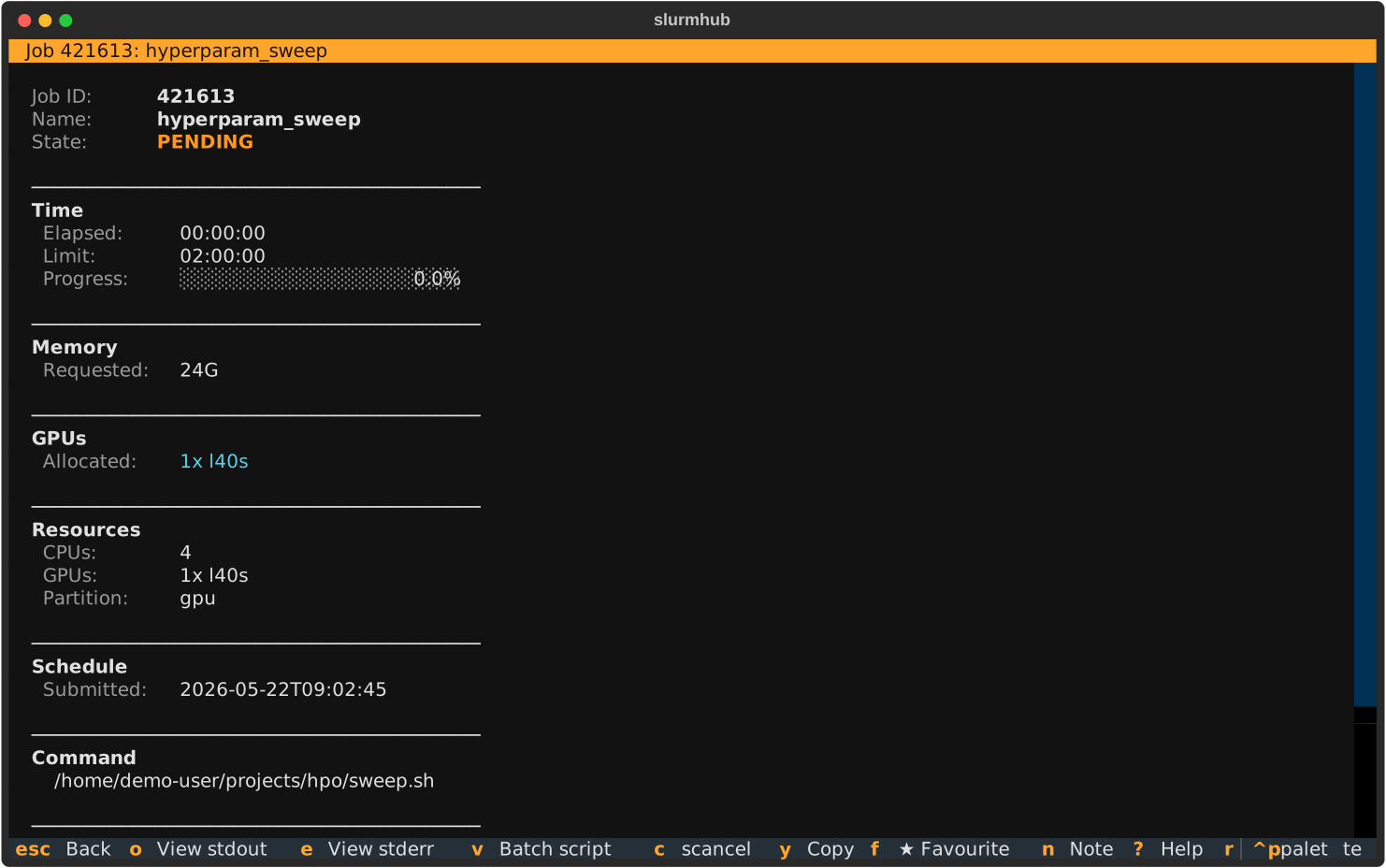
How to read it
Time / Memory bars are computed as
RunTime / TimeLimitandMaxRSS / ReqTRES.mem. Bars over 80 % are red; 50 – 80 % yellow; below 50 % green.GPU utilisation comes from
nvidia-smi --query-gpu=…issued viasrun --overlapso the readings come from inside the job’s allocation. If your cluster restrictssrun --overlap, the per-GPU bars stay blank — theAllocated: 4x l40sline still appears fromscontrol.Log paths are read directly from
scontrol’sStdOut/StdErrfields, so they reflect Slurm’s actual file path including any%j/%aexpansion already resolved.
Keybindings
Key |
Action |
|---|---|
|
Open the log viewer on |
|
Open the log viewer on |
|
Open the batch script viewer (the submitted |
|
|
|
Copy a value to the clipboard. Cycles: job ID → stdout path → stderr path → work dir. |
|
Scroll within the detail body. |
|
Back to the job list. |