slurmhub
A keyboard-driven terminal UI for monitoring Slurm jobs in
real time over SSH. It runs the standard Slurm command-line tools (squeue, sacct,
scontrol, sinfo, sstat, nvidia-smi, scancel) against one or more clusters,
parses the output, and presents the result as a rich dashboard built with
Textual.
What can it do?
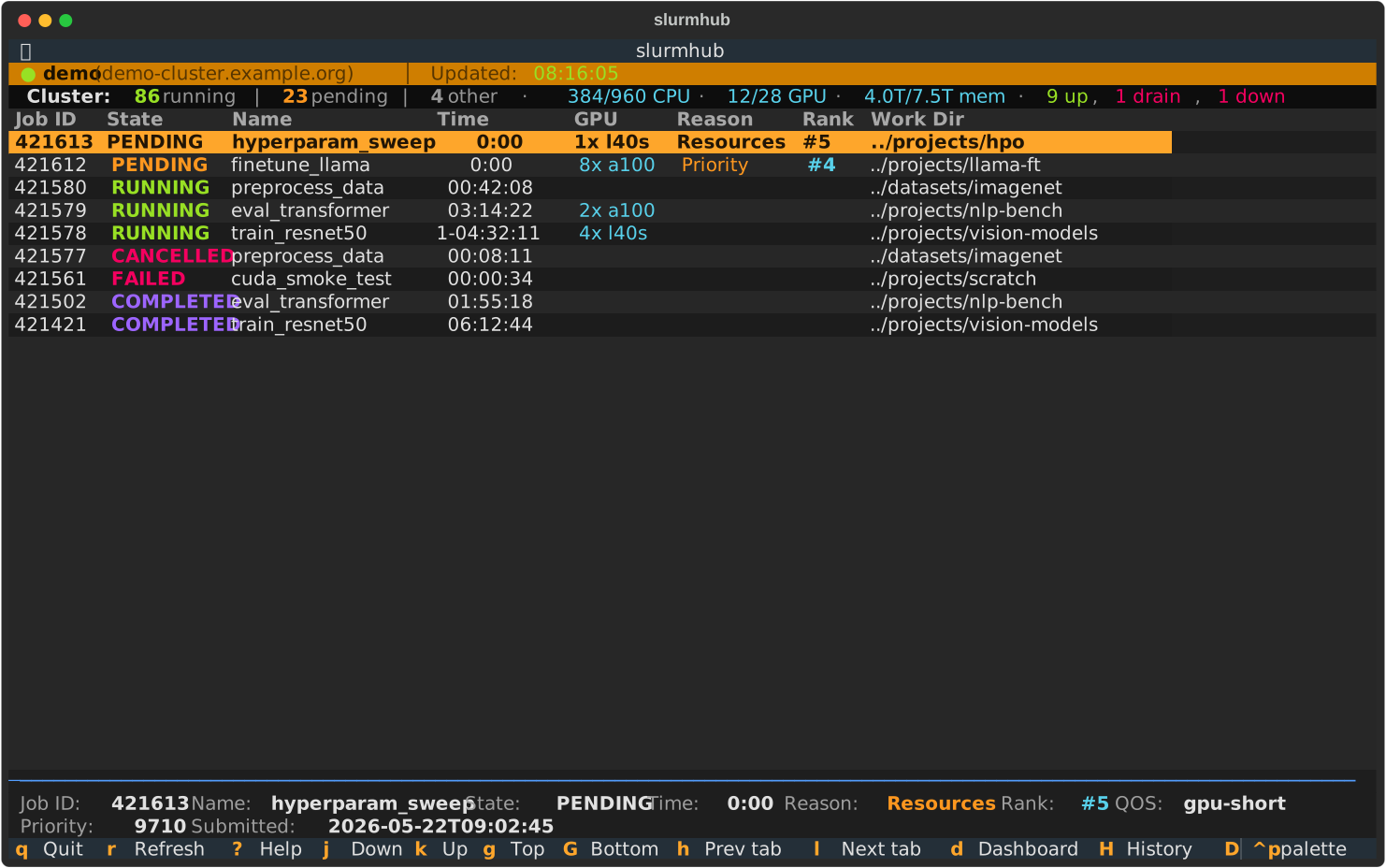
Active and historical jobs from squeue and sacct, color-coded by state, with
elapsed time, GPU allocation, pending reasons, and your queue rank cluster-wide.
scontrol-driven detail screen with time / memory / per-GPU utilisation bars and
direct shortcuts to the job’s stdout, stderr, and submitted batch script.
Cluster-wide capacity bars (CPU, GPU, memory), partition summary, and per-node
table fed by sinfo.
Configure several clusters in ~/.config/slurmhub/config.toml and switch
between them with h / l. Filter, search and sort state is remembered per tab.
A local SQLite database records every run, its resource usage over time, and your
favourites — browse it with H, including GPU/CPU/memory-hour aggregates.
Quick start
# Install
uv tool install slurmhub      # or: pipx install slurmhub

# Try it without an SSH connection — the --demo flag uses built-in fixture data
slurmhub --demo

# Run against your cluster
slurmhub --host my-cluster
Tip
No config? No problem — on first launch slurmhub opens an interactive wizard that
collects the SSH details and writes ~/.config/slurmhub/config.toml for you.
Documentation map
Getting started
Configuration
Usage
About